Parental controls for a child's first phone
Clear rules.Visible protection.Happy kids.
Koby helps you set fair screen time rules with your child, shows you whether they are actually working, and lets your child see the rules too. No message reading. No hidden tracking.
- Your child always knows Koby is on
- No ads, no data sales
- 7-day free trial of Family

How it works
Three steps to a calmer first phone
Set up takes a few minutes. Koby checks that each control really works before it says so.
 1
Add your child
Create your family in the web panel or the app and add your child with a first name and age. Children get no email and no password.
 2
Pair their device with a code
Install Koby on your child's iPhone, iPad or Mac and enter the short pairing code. Koby then runs a quick test restriction.
 3
Set rules together
Daily limits, school and sleep schedules, always-allowed apps. Talk them through with your child; they see the same rules on their screen.
Features
Everything a first phone needs. Nothing it doesn't.
Koby focuses on the everyday controls families actually use, and explains exactly what each one covers.
Screen time limits
A daily budget for the apps and categories you choose. Your child sees how much is left.
School & sleep schedules
Chosen apps pause during school hours and at bedtime, on the days you pick. Bedtime can run past midnight.
Instant pause
Pause chosen apps for dinner, homework or a talk, from a few minutes up to 12 hours. End it with one tap.
Always-allowed apps
Phone, messages and the apps you choose stay available during limits and schedules.
Extra-time requests
Your child asks for more minutes with a short reason. You approve or decline from your phone or the web.
Web filtering
Blocks adult websites in supported browsers, plus your own allow and block lists. We say which browsers are covered, and it does not filter content inside apps.
Last known location
Where your child's device last reported from, when, and how accurate it was. Old locations are marked as old. No live tracking, no history.
Protection status
Every control shows Active, Partial, Off or Can't verify, and every rule change shows when it reached each device.
Second parent
Invite another parent with their own account. No shared passwords, and access can be removed at any time.
Visible protection
Know it's working, not just switched on
Parental controls fail quietly: a permission gets turned off, a phone is offline, a rule never arrives. Koby shows you the real state of each control, in plain words.
Tested at setup
Koby tries a real restriction on your child's device before it shows a success.
Sent, delivered, applied
Each rule change shows when it reached each device. “Applied” only appears once the device confirms it.
Told when something changes
If a permission is turned off and the device can detect it, you hear about it, with when it was noticed.
Works offline, honestly
Saved rules keep working offline where the system allows. New changes wait as “pending” until the device is back.
- Screen Time accessAllowedActive
- Limits & schedulesRules v12 applied 2 min agoActive
- Web filter1 browser not coveredPartial
- LocationNo report for 26 hoursCan't verify

Hi Maya!
Next: Bedtime at 8:30 pm
Ask for more timeMom and Dad can see your screen time and where your phone last was. They can't read your messages.
Fair for kids, too
Your child sees the rules, not a black box
Limits feel fairer when they make sense. On their own screen, your child sees what is going on and can ask instead of arguing.
- Time left today and what's coming next
- Why an app is paused: school, bedtime or a limit
- Ask for more time, with a reason
- Exactly which grown-ups can see what
Our promise
What Koby will never do
Trust is the product. These are design decisions, not settings, and they apply on every plan.

- Read messagesNo access to texts, chats, emails or what your child types.
- Track in secretNo hidden mode. Koby is always visible on your child's device, with who can see what.
- Use the camera or microphoneNever switched on remotely, never recorded.
- Record the screenNo screenshots, no screen recording.
- Sell data or show adsNo advertising SDKs, no ad identifiers, no data sales.
- Score or diagnose your childNo risk scores, no guesses about mood or health.
Platforms
On the devices your family already has
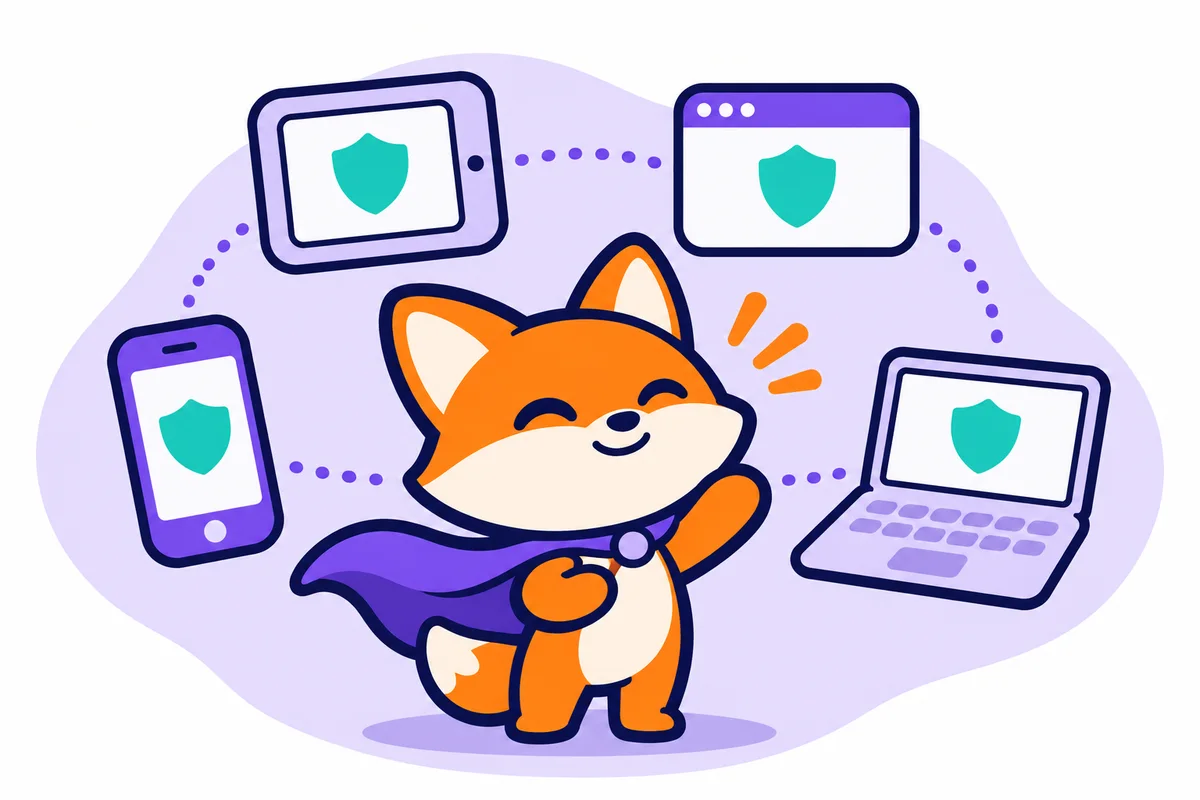
Children use the Koby app on their own device. Parents manage everything from the app or any browser.
- iPhone & iPadFor children and parentsAt launch
- MacFor children's computersAt launch
- Web panelFor parents, in any browserapp.withkoby.com
- AndroidFor children and parentsComing later
Pricing
Start free. Upgrade when it helps.
The Free plan covers one child with a daily limit and a schedule. Family adds every control for up to five children, with a 7-day free trial.
Free
For getting started with one child
Free
Family
Every control, for the whole family
$7.99/ month
Questions
Straight answers

Will my child know Koby is on their phone?
Yes, always. There is no hidden mode. The Koby app on your child's device shows their rules, the time left and exactly which grown-ups can see what.
Can Koby read my child's messages?
No. Koby does not read messages, chats, emails or what your child types, never switches on the camera or microphone and never records the screen. That is a design decision, not a setting.
Which devices does Koby work on?
Your child uses the Koby app on an iPhone, iPad or Mac. Parents manage everything from the Koby app or the web panel at app.withkoby.com in any browser. An Android app is planned for later.
What does the web filter cover?
It blocks adult websites in supported browsers on your child's device, at a Standard or Strict level, plus allow and block lists you set. Koby lists which browsers are covered. It does not filter content inside apps such as games or social media.
How does the free trial work?
Family comes with a 7-day free trial that starts once your child's device is paired and Koby has checked that protection works. We remind you before it ends, and you can cancel any time before renewal.
Guides for calmer screen time
See all posts 6 min readFirst phone
Your child's first phone: a calm setup checklist
Ten practical steps for the week your child gets their first phone: talking first, starting rules, always-reachable apps and checking that controls actually work.Read more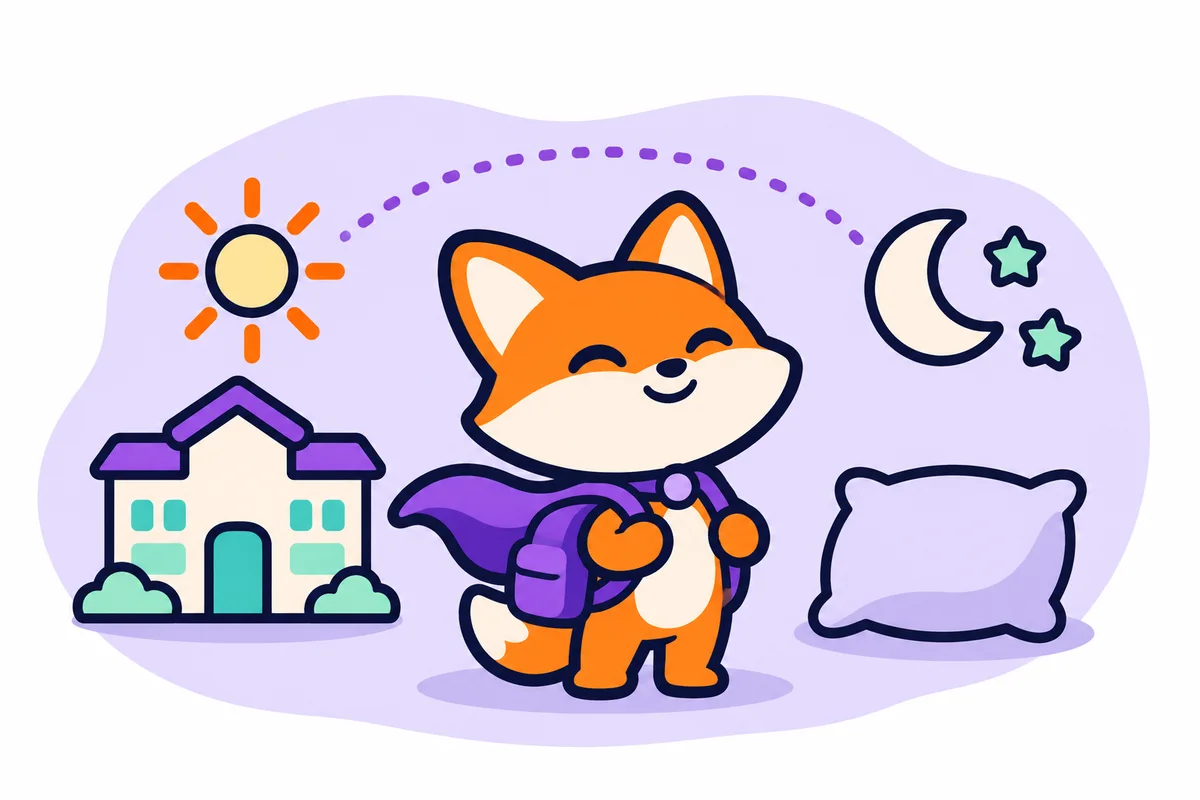 5 min readRoutines
School and sleep schedules that kids understand
How to set phone schedules for school days and bedtime that feel fair: what to pause, what to keep, weekends, and how to handle the inevitable “five more minutes”.Read more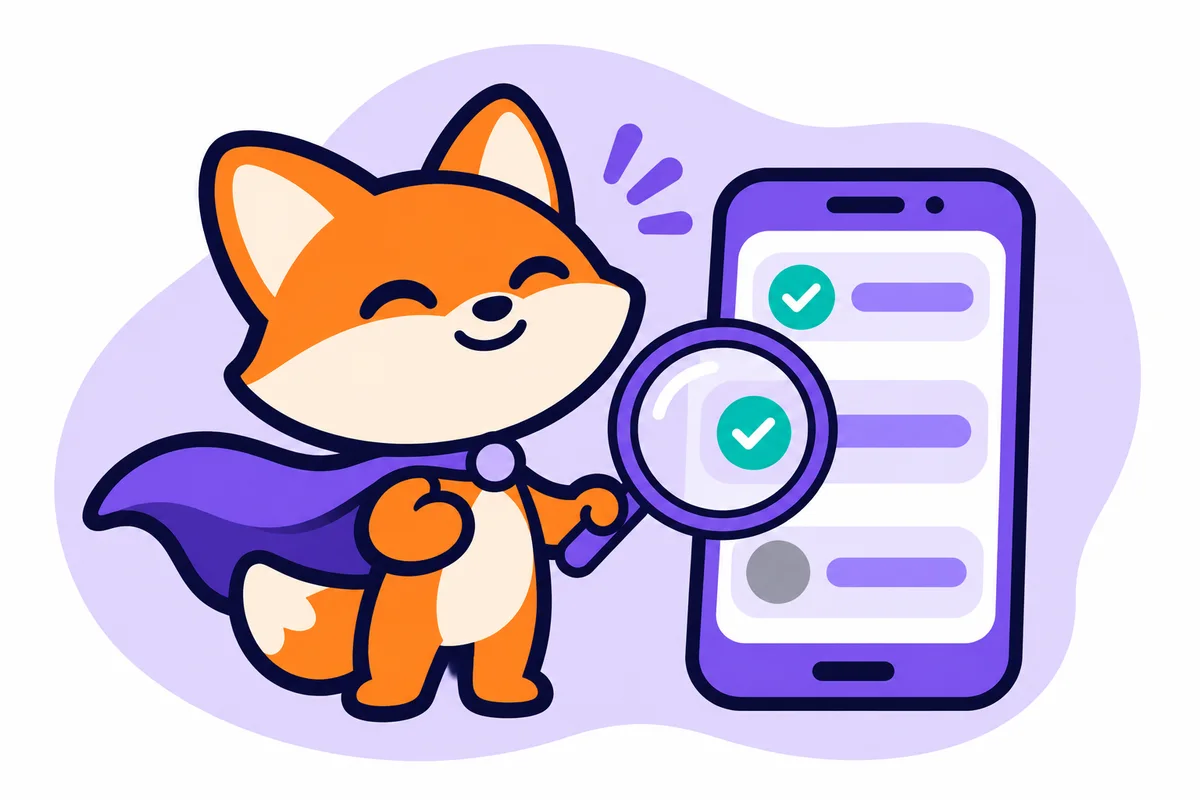 6 min readOnline safety
What parental controls can and can't do
An honest look at what screen time apps can control on a child's phone, where the limits are set by phone makers, and why we think saying so builds more trust.Read more
Set up your child's first phone the calm way
Create your family in the web panel today. The iPhone, iPad and Mac apps are coming to the App Store.