6 min readOnline safetyHonesty
What parental controls can and can't do
An honest look at what screen time apps can control on a child's phone, where the limits are set by phone makers, and why we think saying so builds more trust.
Parental control apps are often sold with big promises. The reality is more modest, and it helps to know it before you rely on one. Here is what this kind of tool can do well, where it is limited, and how we handle that in Koby.
What works well
- Time limits and schedules. Daily budgets for chosen apps, and pauses during school or at night, are well supported on modern phones.
- Pausing apps on demand. Dinner, homework, a family outing.
- Basic web filtering. Blocking adult websites in supported browsers is useful, especially for younger children.
- Knowing where the phone last was. A recent location, with its time and accuracy, can help in everyday situations.
Where the limits are
- Inside apps. Web filters work on websites in supported browsers. They do not filter what happens inside games, video apps or social networks. Many of those apps have their own parental settings, which are worth setting up too.
- Messages. On iPhone, apps cannot read other apps' messages. Some services offer message monitoring under specific conditions; Koby does not read messages at all, by choice.
- Removal and resets. No app can guarantee that a determined child never removes it or resets the phone. What a good tool can do is notice when protection stops and tell you.
- Location. Phones report location when the system allows it. That means a location can be minutes or hours old, and it should say so.
Built-in tools are a good start
Phones come with their own controls: Apple's Screen Time on iPhone, iPad and Mac, for example, offers time limits, downtime and content restrictions. For some families, that is enough. Apps like Koby add things such as a parent panel in any browser, extra-time requests with a reason, separate parent accounts and a clear status of what is actually working.
Why we say “can't verify”
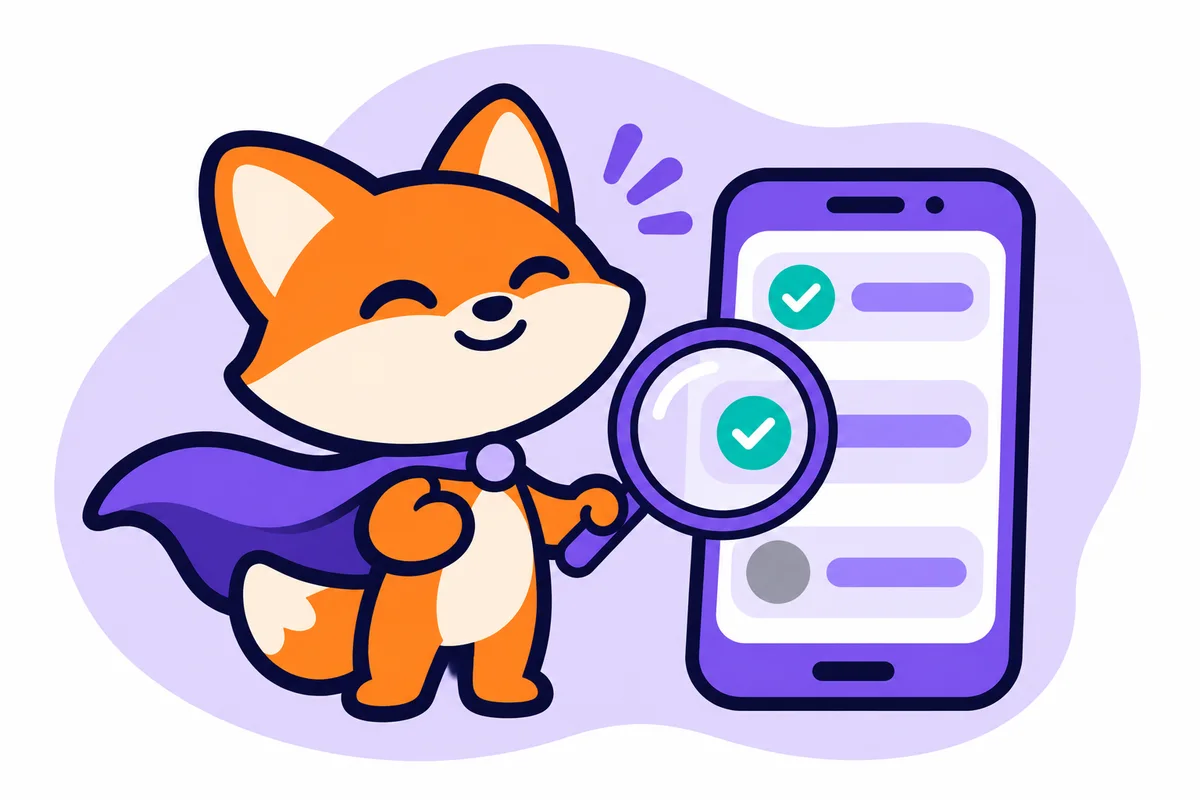
The worst outcome for a parent is believing protection is on when it is not. So Koby shows each control as Active, Partial, Off or Can't verify, and marks a rule as “applied” only when the device confirms it. A “can't verify” is not a failure. It is the honest answer, and the start of a conversation.
The part no app does
In a 2025 Pew Research Center survey, 42% of U.S. parents said they could be doing a better job managing their children's screen time (Pew Research Center). Tools help with the routine. Trust, conversation and a child who knows they can come to you help with everything else. If you are curious what Koby will and won't do, our safety and privacy page lists it plainly.